DAZN Not Working on Smart TV? Germany Fix for Fire TV, Android TV and Samsung/LG
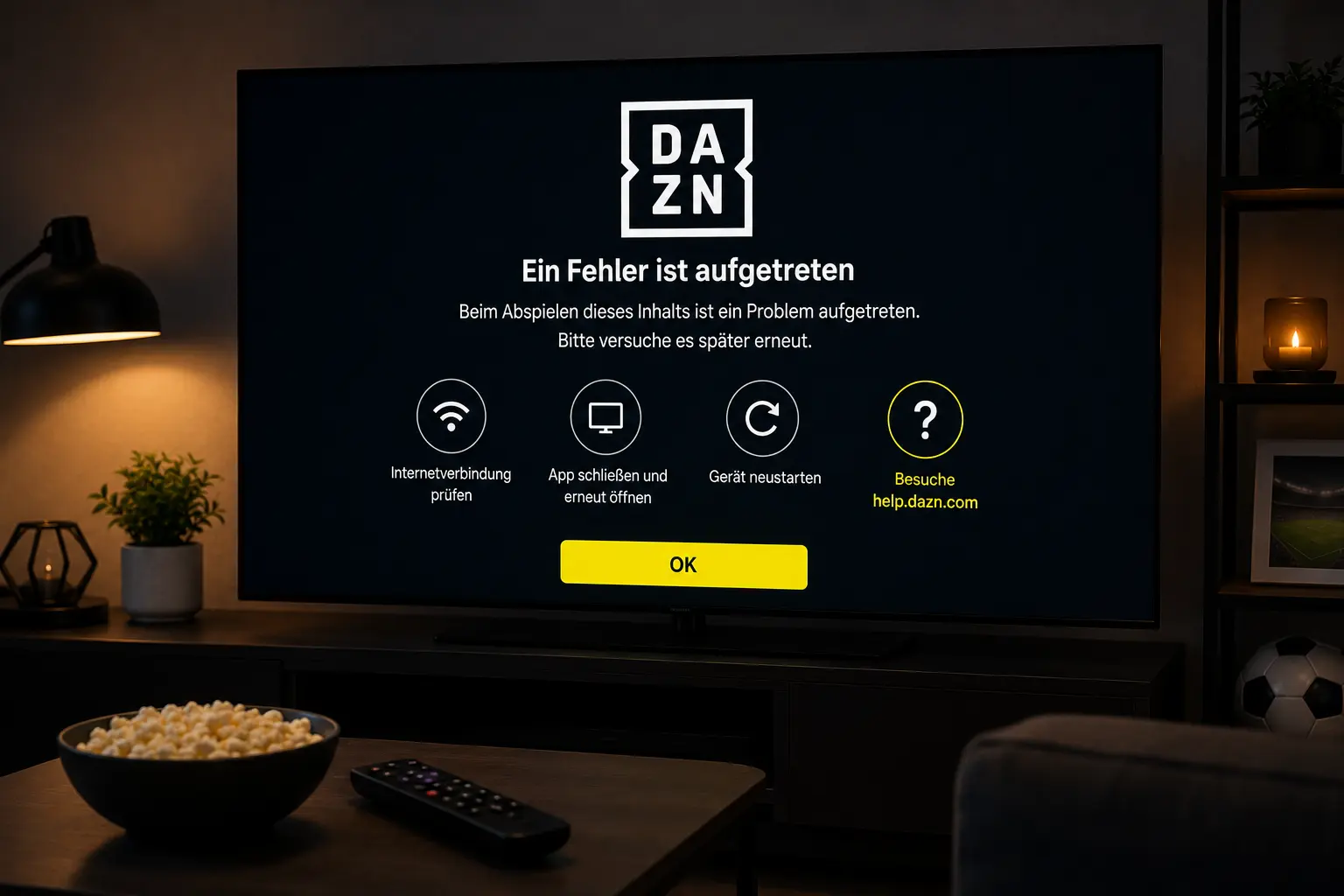
If DAZN freezes, buffers, shows a black screen or refuses to open on your Smart TV in Germany, do not reset everything first. This guide gives practical steps for Samsung, LG, Fire TV, Android TV and home Wi-Fi so you can separate a device problem from an account or event issue.
Try IPTV Smart Guide Free for 24 Hours First
Test the setup on your Smart TV, Fire TV, Android TV, Android box, phone or tablet. Check the channel list, app setup and streaming quality first, then choose a plan only if it works well for you.
Quick answer: what to try first
Start with the safe fixes: close the DAZN app fully, restart the TV or streaming stick, test your internet on another device, then open DAZN again and try a different video before returning to the event you wanted.
DAZN help pages commonly advise checking device compatibility, verifying the internet connection, restarting the app and, when needed, reinstalling the app or using Ethernet for more stable playback. That is why the order matters: fix the simple device problem before touching your account or router.
Check whether the problem is DAZN, your device or your home network
If every streaming app fails, the issue is probably your Wi‑Fi, router or internet connection. If only DAZN fails while YouTube or another app works normally, focus on the DAZN app, login, event availability or device support.
Open DAZN on a phone or laptop browser using the same home connection. If DAZN loads there but not on the TV, the TV app or streaming stick is the likely problem. If DAZN fails everywhere, check your connection, account status or whether there is a temporary service issue.
DAZN black screen on Samsung or LG Smart TV
A black screen usually means the app opens but the video player cannot start correctly. Restart the TV fully, not only standby mode. Unplug the TV for about a minute, then reconnect it and open DAZN again.
Next, check for TV firmware updates and app updates. Older Smart TV apps can behave differently from mobile apps, especially with live sports streams. If DAZN still opens to a black screen, reinstall the app if your TV system allows it.
Try IPTV Smart Guide Free for 24 Hours First
Test the setup on your Smart TV, Fire TV, Android TV, Android box, phone or tablet. Check the channel list, app setup and streaming quality first, then choose a plan only if it works well for you.
DAZN not loading on Fire TV or Android TV
On Fire TV, check storage space, force stop the DAZN app, clear cache if available, then restart the device. If the app still fails, uninstall and reinstall it from the official app store.
On Android TV or Google TV, update the app from Google Play, restart the device and test a different DAZN event. If only one live event fails, wait a few minutes and check the event page again before making bigger changes.
DAZN login loop or account error
A login loop is different from buffering. It often means the app cannot refresh your account session. Sign out, restart the app and sign in again. Use the correct email and password, and avoid reusing old activation codes.
If your payment, package or location has changed recently, open your DAZN account in a browser first. Confirm the account is active, then return to the TV app. Do not enter login details into unofficial support pages.
How to reduce DAZN buffering in Germany
Live sport needs a stable connection. Use 5 GHz Wi‑Fi if the router is near the TV, or Ethernet if possible. Pause game downloads, cloud backups and other 4K streams before a big match.
Restart the router earlier in the day, not during kick-off. If buffering continues, test a lower-demand video in DAZN. If on-demand content works but one live match does not, the problem may be event load or account access rather than your internet.
Official pages to check
Looking for a simple Germany & Europe streaming setup?
Compare IPTV Smart Guide plans, check your device and test the setup before choosing a plan.
Related Germany guides
- MagentaTV App Not Working? Germany Fix
- RTL+ Not Working? Smart TV Germany Fix
- Joyn Not Working? Germany Smart TV Fix
- Bundesliga Streaming Germany: Best Apps
Frequently asked questions
Why is DAZN not working on my Smart TV in Germany?
Common causes include an outdated app, weak Wi-Fi, old TV software, account session problems, unsupported devices or a temporary live-event issue. Start with restart, updates and a network test.
Why does DAZN show a black screen on Fire TV?
A black screen can happen when the video player or cached app data is stuck. Force stop the app, clear cache where available, restart Fire TV and reinstall the app if needed.
Should I reinstall DAZN first?
No. Reinstalling can sign you out. Try restart, app update, device update and a connection check first. Reinstall only if the app still will not open.
Does Ethernet help DAZN buffering?
Yes. Ethernet or strong 5 GHz Wi‑Fi can improve stability, especially for live sport when many devices share the same home network.
Is IPTV Smart Guide an official DAZN page?
No. IPTV Smart Guide is an independent setup and troubleshooting guide. Use DAZN for subscriptions, account support and official event access.
Try IPTV Smart Guide Free for 24 Hours First
Test the setup on your Smart TV, Fire TV, Android TV, Android box, phone or tablet. Check the channel list, app setup and streaming quality first, then choose a plan only if it works well for you.