Germany vs Paraguay: TV Time, App Setup and What to Check Before Kick-Off
Germany are into the World Cup 2026 Round of 32, and the knockout stage brings a high-pressure match against Paraguay in Boston. This guide gives viewers in Germany the key time conversion, TV and streaming checks, Smart TV setup steps and buffering fixes to prepare before kick-off.
Looking for a simpler Germany & Europe streaming setup?
Compare the available IPTVSG plans and choose the setup that fits your device and viewing needs.
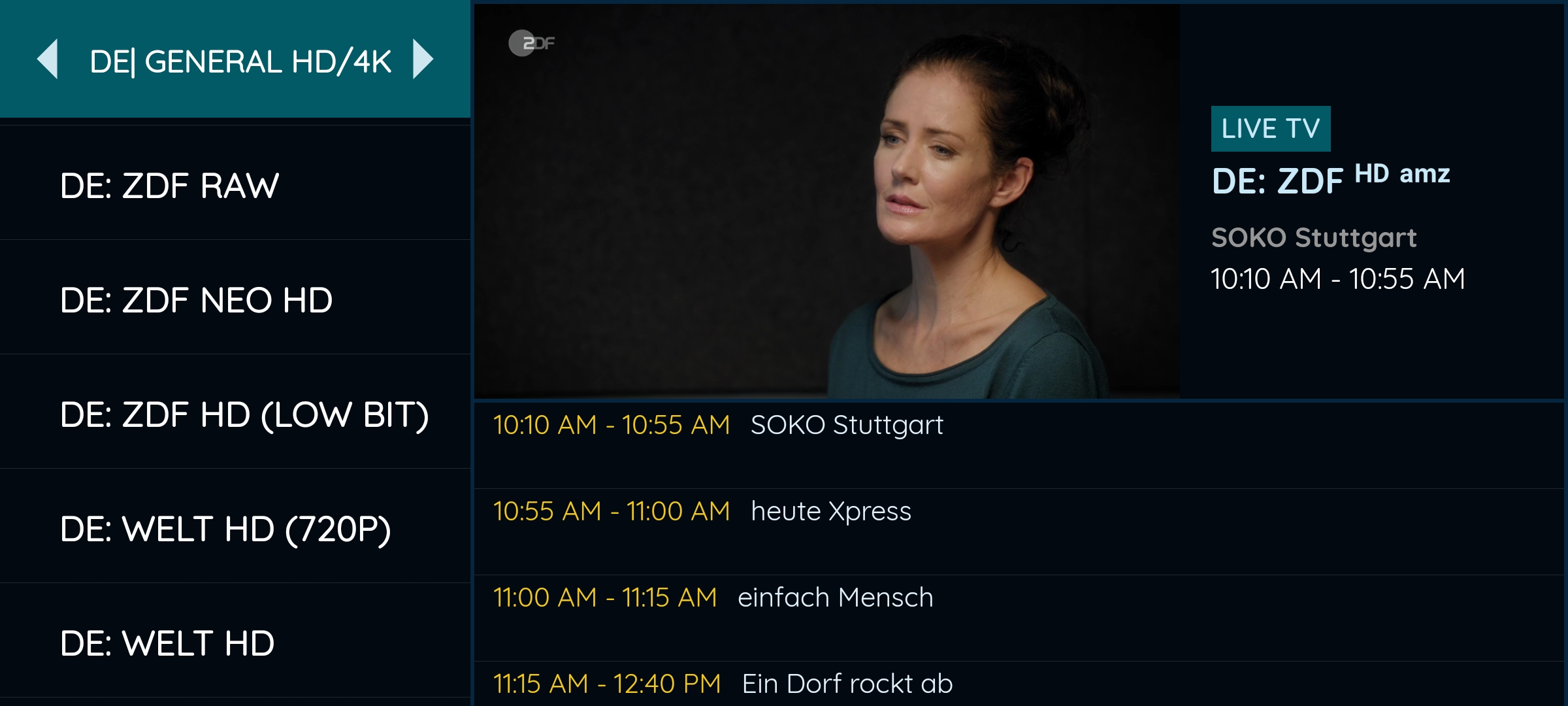
Try IPTV Smart Guide Free for 24 Hours First
Test the setup on your Smart TV, Fire TV, Android TV, Android box, phone or tablet. Check the channel list, app setup and streaming quality first, then choose a plan only if it works well for you.
Germany vs Paraguay: quick match information
Germany’s Round of 32 match is listed as Match 74 of the FIFA World Cup 2026 knockout stage. The match is scheduled for Monday, 29 June 2026 at Boston Stadium in Foxborough, Massachusetts. The FIFA match centre lists the kick-off as 20:30 UTC, which converts to 22:30 in Germany during Central European Summer Time.
Current knockout reports identify Paraguay as Germany’s opponent. Because World Cup knockout pages and TV allocations can update close to matchday, viewers should always re-check the official FIFA match centre and the German broadcaster schedule before the game starts.
Kick-off time: Boston to Germany conversion
The match is played in the United States, but German viewers need the Central European Summer Time conversion. Boston is on Eastern Daylight Time in late June, while Germany is on CEST. A 16:30 local kick-off in Boston is 22:30 in Germany. This is a late evening slot, so the main practical issue is not only finding the right channel, but also making sure your TV setup is ready before the household network becomes busy.
| Location | Date | Kick-off time | Useful note |
|---|---|---|---|
| Boston / Foxborough | Monday, 29 June 2026 | 16:30 EDT | Local stadium time |
| UTC | Monday, 29 June 2026 | 20:30 UTC | FIFA match-centre time reference |
| Germany | Monday, 29 June 2026 | 22:30 CEST | Use this time for Berlin, Munich, Hamburg, Cologne and most German cities |
Where to watch World Cup 2026 in Germany
For the 2026 World Cup in Germany, the key names to check are MagentaTV, ARD and ZDF. Deutsche Telekom has stated that MagentaTV shows all 104 World Cup matches live in Germany, with 44 of those matches exclusive. ARD’s help page says ARD and ZDF are sublicence holders from Telekom and have rights for 60 matches, with the remaining 44 matches exclusive to Telekom.
That means you should not assume that every Germany match is automatically available in every app. For this specific Round of 32 match, check the latest allocation on the official broadcaster schedule before kick-off. If the match is on a free-to-air/public-service channel, you may be able to use Das Erste, ZDF or the relevant Mediathek. If it is allocated to MagentaTV, use the MagentaTV app, receiver or compatible device linked to your account.
Simple viewing checklist before Germany vs Paraguay
Knockout matches create more pressure than group matches. More people open the apps at the same time, more households use Wi‑Fi heavily, and any small setup mistake becomes frustrating when the anthem is about to start. Use this simple checklist on matchday.
- Check the official FIFA match centre for the exact match page and kick-off time.
- Check the German TV allocation: MagentaTV, ARD, ZDF or the relevant official app.
- Open the app early and confirm that your account is logged in.
- Update your Smart TV, Fire TV, Android TV or Apple TV app before the evening.
- Restart the TV or streaming device, not only the app.
- Use 5 GHz Wi‑Fi or Ethernet for the main screen.
- Keep a backup device ready, such as a laptop with HDMI or a tablet.
Looking for a simpler Germany & Europe streaming setup?
Compare the available IPTVSG plans and choose the setup that fits your device and viewing needs.
Try IPTV Smart Guide Free for 24 Hours First
Test the setup on your Smart TV, Fire TV, Android TV, Android box, phone or tablet. Check the channel list, app setup and streaming quality first, then choose a plan only if it works well for you.
Best Smart TV setup for the match
For most German homes, the easiest way to watch is through a Smart TV app. Samsung, LG, Android TV and Google TV devices can work well, but only if the software is updated and the app is not overloaded with old cache data. If your TV has been slow with other live streams, do not wait until 22:25 to test it.
Start by opening the app you expect to use. Play any live channel or replay content for at least five minutes. If the app freezes, logs you out, or shows a black screen, restart the TV completely. On some TVs, holding the power button for a few seconds performs a deeper restart than simply entering standby mode.
Smart TV pre-match steps
- Update the TV firmware if an update is available.
- Update MagentaTV, ARD Mediathek, ZDF, or the app that will carry the match.
- Open the app and confirm your login.
- Test live playback before the pre-match show.
- Move the TV to 5 GHz Wi‑Fi or connect Ethernet if possible.
- Close other streaming apps that may stay active in the background.
Fire TV and Android TV setup
Fire TV Stick and Android TV boxes are useful when a built-in Smart TV app is old or unstable. They are also easier to restart and update quickly. For an important World Cup match, a streaming stick connected to strong Wi‑Fi can be more reliable than a five-year-old Smart TV app.
The most common Fire TV problem is limited storage. When storage is low, apps can crash or fail to update. Delete apps you do not use, clear cache, restart the device and test the match app again. On Android TV, check system updates and app permissions, especially if the app keeps returning to the home screen.
How to stop buffering before kick-off
Buffering during a big match is not always caused by the broadcaster. Often the problem is inside the home: weak Wi‑Fi, too many connected devices, a router placed behind a cabinet, old device software, or another person downloading large files. Fix your local setup first.
- Restart your router earlier in the evening.
- Use Ethernet for the main TV when the router is close.
- Use 5 GHz Wi‑Fi instead of 2.4 GHz when possible.
- Pause cloud backups, game updates and large downloads.
- Ask other devices in the home to avoid heavy streaming during the match.
- Keep the TV or streaming stick in open air so it does not overheat.
- Lower the stream quality temporarily if the app allows it and the connection is weak.
What if the match is on MagentaTV?
If Germany vs Paraguay is allocated to MagentaTV, open the MagentaTV app or receiver early. Confirm that your subscription and login are active. If you are using a Smart TV app, test another live channel first. If you are using a receiver, restart it and check that your remote and HDMI input are working before the pre-match coverage begins.
If you are watching on mobile or tablet, avoid switching networks while the stream is active. Moving from Wi‑Fi to mobile data can interrupt playback or trigger a new login check. If you plan to cast to a TV, test casting before the match because casting issues are much easier to solve when the game is not live yet.
What if the match is on ARD or ZDF?
If the match is available through ARD or ZDF, viewers can usually use the public-broadcaster TV channel or the broadcaster’s official streaming app. On Smart TVs, make sure the ARD Mediathek or ZDF app is up to date. If the app fails to load, try a full TV restart, reinstall the app, or use another device such as Fire TV, Android TV, Apple TV, laptop or mobile.
For public-broadcaster apps, location and rights restrictions may apply. If you are outside Germany, availability can differ. Check the official app message instead of assuming the stream is broken.
Germany vs Paraguay: what kind of match to expect
Germany enter the knockout stage as a major European contender, while Paraguay’s route gives the match a classic knockout feel: one mistake can change everything. For German viewers, the late 22:30 kick-off means many people will watch at home on the main TV rather than on mobile during work hours. That makes home-network preparation more important than usual.
Paraguay are likely to approach the match with compact defending and transition chances. Germany will be expected to control more of the ball, but knockout football is rarely comfortable. If the match goes to extra time or penalties, your streaming setup needs to stay stable long after midnight in Germany.
IPTV Smart Guide free 24-hour test
IPTV Smart Guide offers a free 24-hour test for viewers who want to check device compatibility, channel list, video quality and support before choosing a plan. This is useful if you are not sure whether your Smart TV, Fire TV, Android TV box, phone or tablet is ready for long live-sport sessions.
The free test should be used responsibly: test your device, check your home network, confirm that the interface is easy for you, and only choose a plan if the setup works well for your household. Third-party broadcaster apps, official subscriptions and rights availability remain separate.
Useful official pages to check
- FIFA Match Centre: Match 74
- FIFA knockout stage schedule and bracket
- ARD help: FIFA World Cup 2026 broadcast schedule information
- Deutsche Telekom: MagentaTV World Cup 2026 coverage
FAQ: Germany vs Paraguay World Cup 2026
What time is Germany vs Paraguay in Germany?
The match is scheduled for Monday, 29 June 2026 at 22:30 CEST in Germany. That is 20:30 UTC and 16:30 local time in Boston/Foxborough.
Where is Germany vs Paraguay being played?
The Round of 32 match is scheduled for Boston Stadium in Foxborough, Massachusetts, United States.
Which channel will show Germany vs Paraguay in Germany?
Check the official German allocation before kick-off. MagentaTV shows all 104 World Cup matches in Germany, while ARD and ZDF have sublicensed rights for 60 matches. The exact match allocation can change or be published close to matchday.
Can I watch the match on Smart TV?
Yes, if the official app carrying the match supports your device. Update the app, confirm your login and test live playback before kick-off.
Why does my World Cup stream buffer?
Common causes include weak Wi‑Fi, old app versions, overloaded routers, too many home devices using the internet, and low storage on streaming sticks. Use Ethernet or 5 GHz Wi‑Fi where possible.
Does IPTV Smart Guide offer a free test?
Yes. IPTV Smart Guide offers a free 24-hour test so you can try the setup on your device before choosing a paid plan.
Is IPTV Smart Guide an official FIFA or broadcaster website?
No. IPTV Smart Guide is an independent setup and troubleshooting guide. Use FIFA and official broadcasters for final match details, TV allocations, subscriptions and account support.
Try IPTV Smart Guide Free for 24 Hours First
Test the setup on your Smart TV, Fire TV, Android TV, Android box, phone or tablet. Check the channel list, app setup and streaming quality first, then choose a plan only if it works well for you.