waipu.tv Not Working? Germany Fix for Fire TV, Samsung TV and Android Devices
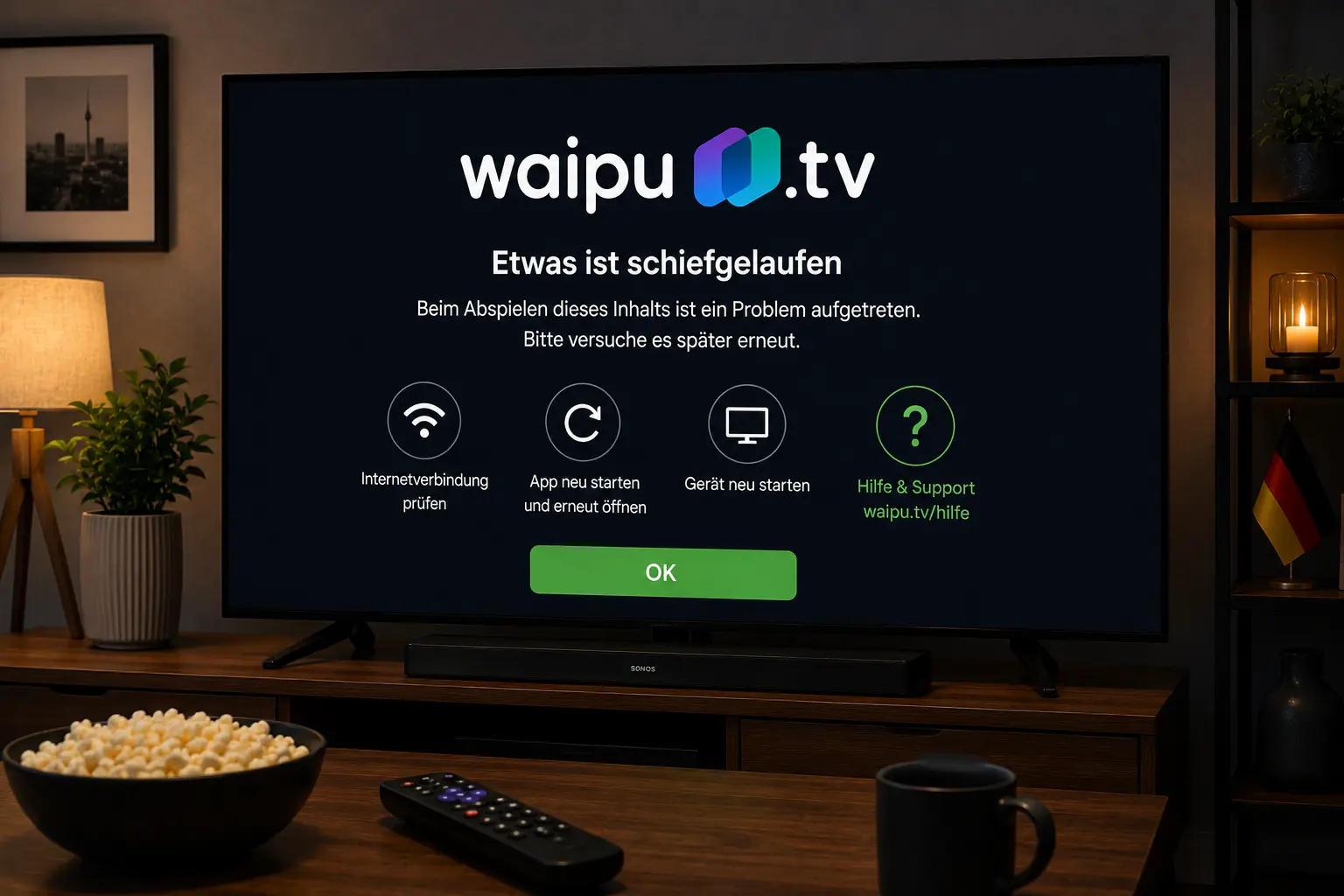
If waipu.tv will not open, freezes on Fire TV, misses channels, refuses to download or buffers during live TV in Germany, use this focused guide before changing everything in your setup. The fixes cover Fire TV, Samsung TV, Android devices, the waipu.tv 4K Stick and home Wi‑Fi.
Try IPTV Smart Guide Free for 24 Hours First
Test the setup on your Smart TV, Fire TV, Android TV, Android box, phone or tablet. Check the channel list, app setup and streaming quality first, then choose a plan only if it works well for you.
Quick answer: what to try first
Restart the waipu.tv app, restart your streaming device, check your internet connection and confirm the app is updated. On Fire TV, unplugging the device briefly and starting fresh often fixes temporary streaming errors.
waipu.tv help pages include device-specific guidance for Fire TV, Samsung TVs, Android devices and the waipu.tv 4K Stick. Many fixes are simple: restart, update, clear app data where appropriate, reinstall the app and make sure the device uses a stable connection.
waipu.tv not working on Amazon Fire TV
Fire TV problems can appear as a frozen screen, endless loading or channel playback errors. Unplug Fire TV from power for about a minute, reconnect it and open waipu.tv again. This clears many temporary device problems.
If the issue returns, restart the app, check for updates and make sure Fire TV has enough storage. If other apps also fail, focus on Wi‑Fi or router stability rather than only waipu.tv.
waipu.tv app download not working
If you cannot download the waipu.tv app, check the country setting of your app store or Play Store. waipu.tv help notes that the country setting can matter for downloading the app.
Avoid APK downloads from random websites. Use official app stores and device channels only, especially on Android-based TVs and streaming sticks.
Try IPTV Smart Guide Free for 24 Hours First
Test the setup on your Smart TV, Fire TV, Android TV, Android box, phone or tablet. Check the channel list, app setup and streaming quality first, then choose a plan only if it works well for you.
waipu.tv on Samsung TV: common fixes
On Samsung TVs, start with a TV restart and Smart Hub/app update check. If the app is stuck or not loading, remove and reinstall it if your model allows that.
Older TVs may have more app limitations. If the Samsung app is unstable, a Fire TV, Android TV or waipu.tv 4K Stick can sometimes be easier to update and troubleshoot.
Missing private channels or playback restrictions
If only some channels are missing, the issue may not be your device. Check your waipu.tv package, channel availability, location and account status. Do not confuse channel access with a broken app.
When the app opens but certain channels fail, test another live channel and another device. If the same channel fails everywhere, check the official waipu.tv status or help pages.
How to reduce waipu.tv buffering in Germany
Use 5 GHz Wi‑Fi near the router or Ethernet where available. Pause downloads and other streams before important live TV. Restart your router earlier in the day if the connection has been unstable.
For the waipu.tv 4K Stick, a device restart is one of the first steps for many disturbances. Keep the stick ventilated and avoid plugging it into a crowded area behind a hot TV.
Official pages to check
- waipu.tv Fire TV troubleshooting
- waipu.tv Samsung TV troubleshooting
- waipu.tv Android device troubleshooting
- waipu.tv 4K Stick troubleshooting
Looking for a simple Germany & Europe streaming setup?
Compare IPTV Smart Guide plans, check your device and test the setup before choosing a plan.
Related Germany guides
- MagentaTV App Not Working? Germany Fix
- RTL+ Not Working? Smart TV Germany Fix
- Joyn Not Working? Germany Smart TV Fix
- Bundesliga Streaming Germany: Best Apps
Frequently asked questions
Why is waipu.tv not working on Fire TV?
Temporary device errors, old app data, weak Wi‑Fi, low storage or account/channel issues can stop waipu.tv on Fire TV. Restart Fire TV, update the app and test another channel.
Why can I not download the waipu.tv app?
The app store country setting and device compatibility can affect downloads. Use the official app store and make sure the country setting is correct for Germany.
Why are private channels missing on waipu.tv?
Missing channels can be related to package access, location, account status or temporary availability. Test another device and check your official waipu.tv account.
Does restarting the waipu.tv 4K Stick help?
Yes. waipu.tv help guidance says many disturbances on the 4K Stick can be solved by restarting the device or disconnecting it from power briefly.
Is IPTV Smart Guide an official waipu.tv page?
No. IPTV Smart Guide is independent. Use official waipu.tv help pages for account, package and device-specific support.
Try IPTV Smart Guide Free for 24 Hours First
Test the setup on your Smart TV, Fire TV, Android TV, Android box, phone or tablet. Check the channel list, app setup and streaming quality first, then choose a plan only if it works well for you.