WOW App Not Working? Germany Fire TV, Smart TV and Sky Sport Fixes
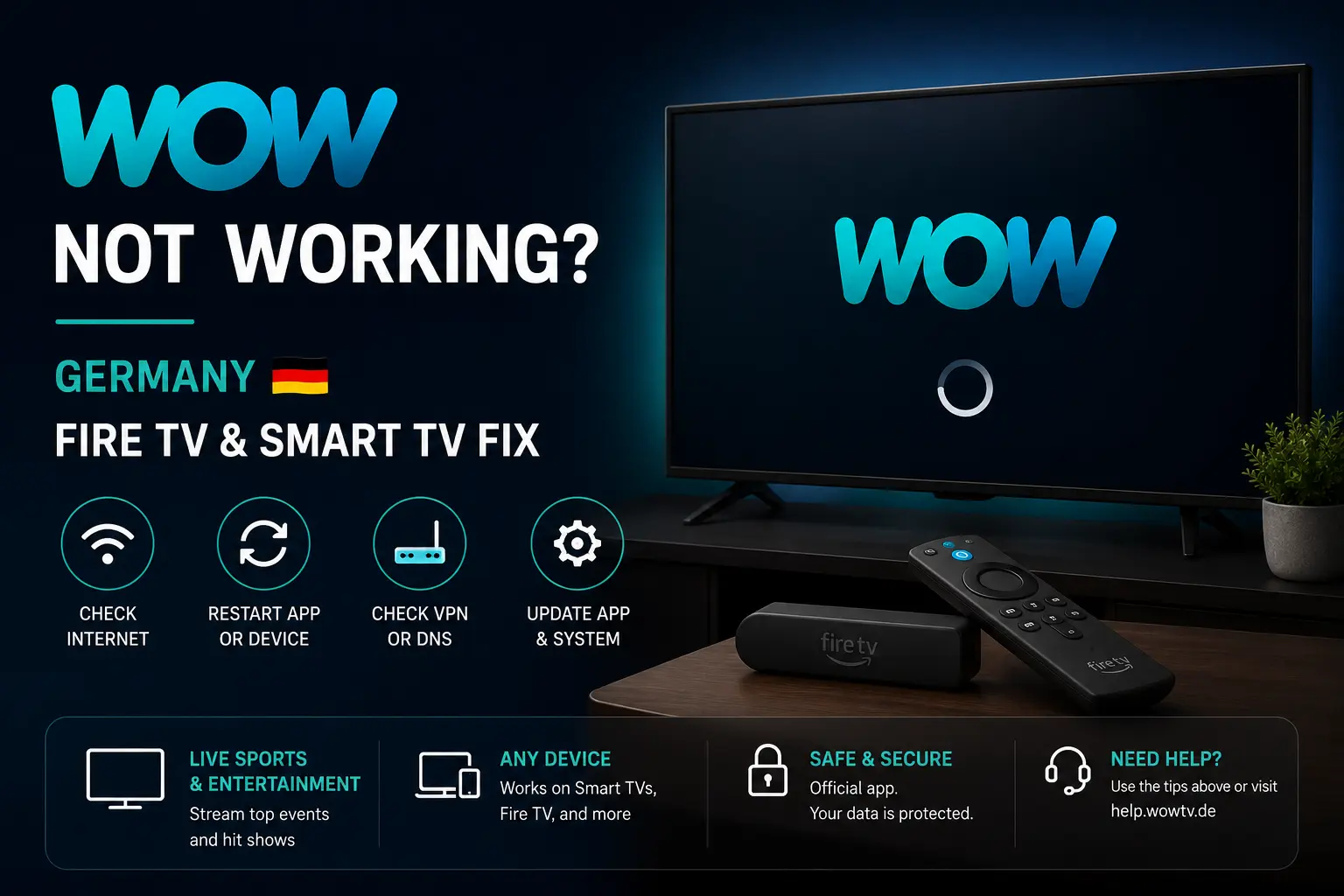
If the WOW app freezes, will not load, keeps asking you to log in or buffers during Sky Sport content in Germany, use this practical checklist before you miss the match. The steps focus on Fire TV, Samsung, LG, Android TV, Chromecast-style devices and browser viewing.
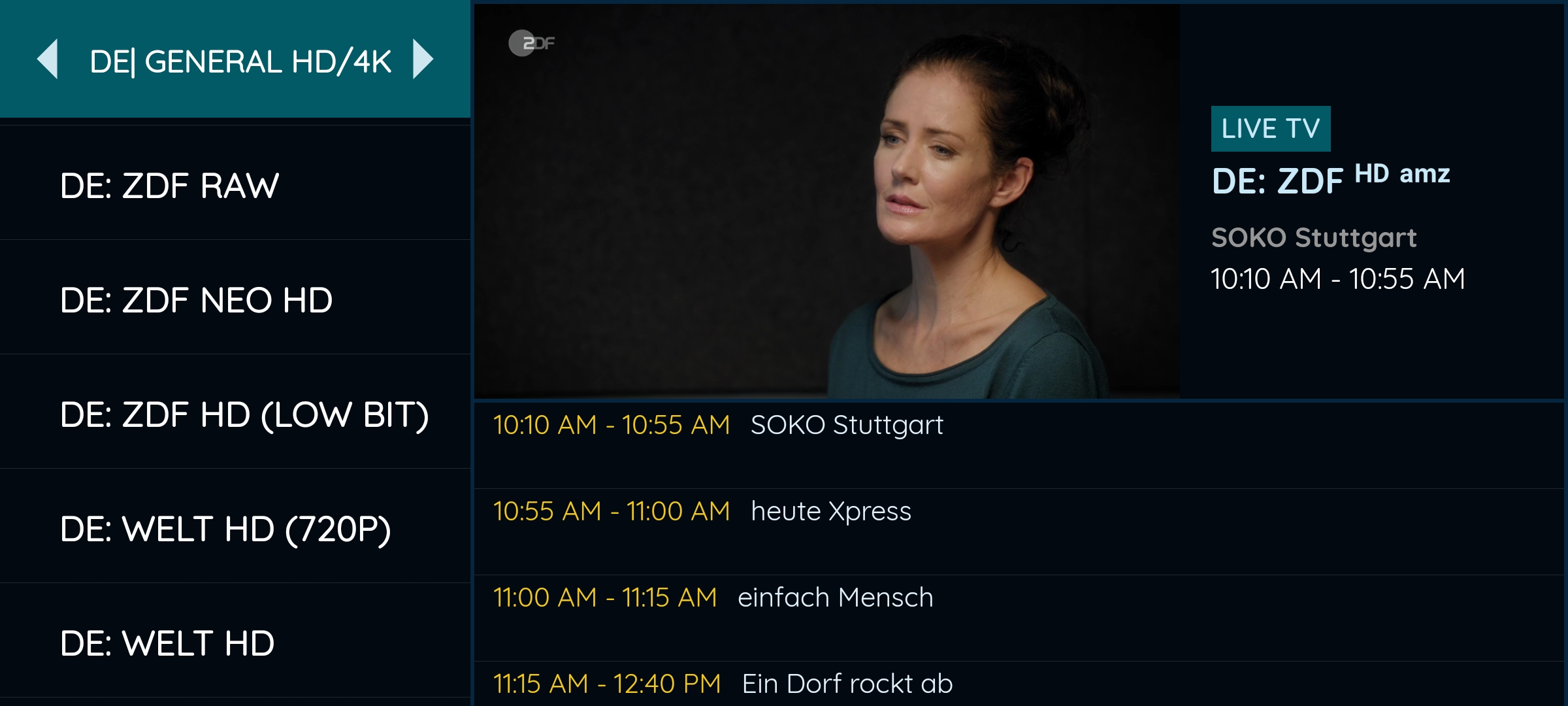
Try IPTV Smart Guide Free for 24 Hours First
Test the setup on your Smart TV, Fire TV, Android TV, Android box, phone or tablet. Check the channel list, app setup and streaming quality first, then choose a plan only if it works well for you.
Quick answer: fix WOW before you reset anything
Close the WOW app fully, restart your device, update the WOW app and check your internet connection. Then log in again and test another video before returning to the live sport stream you wanted.
WOW help information recommends app updates, device restart, reinstalling the app when needed and checking the internet connection for login problems. For WOW on supported devices, the official setup page also explains that device support and login steps vary by platform.
Check your WOW subscription and stream access
Before troubleshooting the TV, confirm that your WOW account and package include the content you are trying to watch. A missing Sky Sport stream can look like an app problem, but it may simply be a package or event-access issue.
If you recently changed an add-on or upgraded quality, log out of the app and log back in. For big sports nights, open WOW early enough to confirm that the live channel or event page appears before kick-off.
WOW not working on Fire TV
Fire TV problems are often cache, storage or update related. Force close the WOW app, restart Fire TV and make sure the app is updated from the Amazon Appstore.
If the app still fails, uninstall and reinstall it. Keep your login details ready because reinstalling can remove saved app data. If every app buffers, focus on Wi‑Fi rather than only WOW.
Try IPTV Smart Guide Free for 24 Hours First
Test the setup on your Smart TV, Fire TV, Android TV, Android box, phone or tablet. Check the channel list, app setup and streaming quality first, then choose a plan only if it works well for you.
WOW app frozen on Samsung or LG Smart TV
If WOW is frozen on a Smart TV, restart the TV fully. Many TVs stay in standby and do not clear the app memory unless you restart them deeply or unplug the power briefly.
Check the TV firmware and the app store for updates. On supported Samsung and LG devices, the app may be available directly through the TV interface, but older models can behave poorly with modern streaming apps.
WOW login problems in Germany
Login errors can come from wrong password, stale app sessions, old cache, browser cookies or account issues. First sign in through the WOW website in a browser. If the account works there, return to the TV app.
If the app keeps looping, restart the app, restart the device and reinstall only if the problem continues. Use official WOW pages for password reset and account support.
WOW buffering during Bundesliga or Sky Sport
Live sport demands a stable home network. Use Ethernet if the router is near the TV, or strong 5 GHz Wi‑Fi if available. Pause downloads, cloud backups and other 4K streams before the match starts.
For Fire TV sticks, overheating and low storage can also cause lag. Keep the device in open air, delete unused apps and restart it before a long matchday session.
Official pages to check
Looking for a simple Germany & Europe streaming setup?
Compare IPTV Smart Guide plans, check your device and test the setup before choosing a plan.
Related Germany guides
- MagentaTV App Not Working? Germany Fix
- RTL+ Not Working? Smart TV Germany Fix
- Joyn Not Working? Germany Smart TV Fix
- Bundesliga Streaming Germany: Best Apps
Frequently asked questions
Why is the WOW app not working on Fire TV?
Common reasons include old app data, low storage, missing updates, weak Wi‑Fi or a login session issue. Restart Fire TV, update the app and reinstall only if needed.
Why can I not log in to WOW?
WOW login problems may come from stale cookies, wrong credentials, account issues or app data. Test login in a browser, update the app, restart the device and use official password reset if needed.
Does WOW work on Smart TVs in Germany?
WOW supports a range of devices, but compatibility depends on the model and platform. Check the official WOW supported-device information for your exact TV or streaming device.
Why does WOW buffer during Sky Sport?
Buffering often comes from Wi‑Fi distance, overloaded home networks, background downloads, low device storage or a temporary streaming issue. Ethernet or strong 5 GHz Wi‑Fi usually helps.
Is IPTV Smart Guide an official WOW or Sky page?
No. IPTV Smart Guide is independent. Use WOW and Sky official pages for subscriptions, rights, packages and account support.
Try IPTV Smart Guide Free for 24 Hours First
Test the setup on your Smart TV, Fire TV, Android TV, Android box, phone or tablet. Check the channel list, app setup and streaming quality first, then choose a plan only if it works well for you.